Media and fonts
Media libraries
Uploaded files are stored under data/, one folder per library:
| Library | Folder | Used for |
|---|---|---|
| Images | data/images/ | Image slides and image objects in editor slides |
| Videos | data/videos/ | Video slides and video objects in editor slides |
| Backgrounds | data/backgrounds/ | Bundle background images and looping videos |
| Fonts | data/fonts/ | Custom fonts for the editor and displays |
Upload, rename and delete files from the file manager dialogs in the admin and the editor. You can also copy files straight into these folders on the server.
For background and slide videos, use H.264 MP4 at the display’s resolution. It plays smoothly even on low-power display machines.
Fonts
Open Manage fonts in the editor.
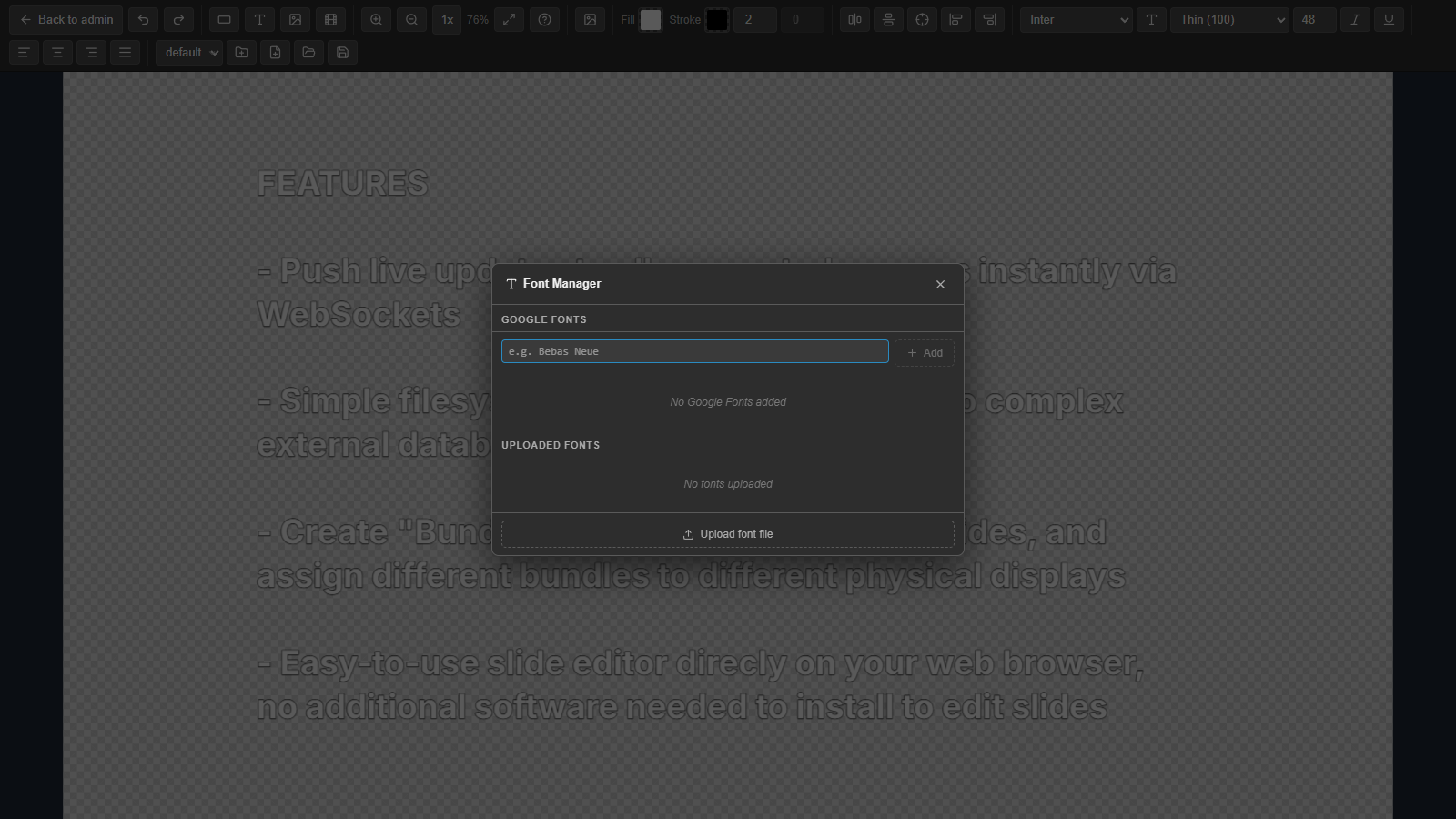
- Custom fonts: upload
.ttf,.otf,.woffor.woff2files. - Google Fonts: add a family by its name. It becomes available in the editor and on all displays. The list is stored in
data/fonts/google-fonts.json. - Built-in fonts: a set of common fonts that is always available.
Google Fonts are loaded from fonts.googleapis.com, so display machines need internet access to use them. On an offline LAN, upload the font files as custom fonts instead.