Slide editor
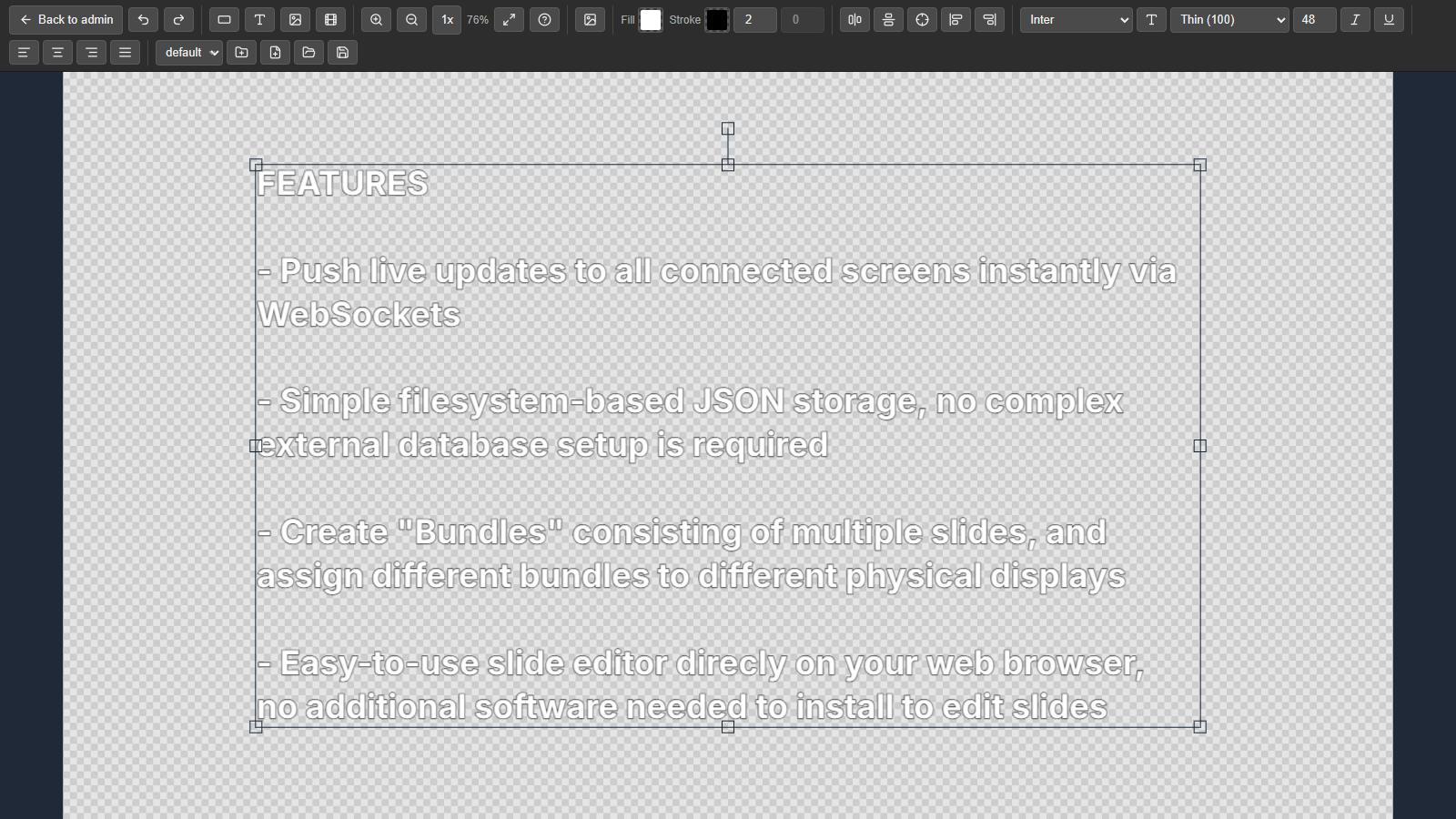
The editor (/admin/editor) is a visual canvas built on Fabric.js. Slides are saved as JSON files in data/slides/. Open it with Create new slide, or select a slide in the admin and click Edit slide.
Toolbar
| Group | Tools |
|---|---|
| File | New slide, Load slide, Save slide, Back to admin |
| Insert | Add Text, Add Rectangle, Add Image from file, Add Video from file |
| Text | Font, Font size, Font weight, Italic, Underline, Align left / center / right / justify |
| Style | Fill color, Stroke color, Stroke width, Border radius |
| Arrange | Align left / right edges, Center horizontally / vertically / both |
| View | Zoom in / out, Zoom 1×, Fit to screen |
| History | Undo, Redo |
| Other | Manage fonts, Shortcut help |
Editor slides are shared. If a slide is used in several bundles, saving it changes it in all of them.
Keyboard shortcuts
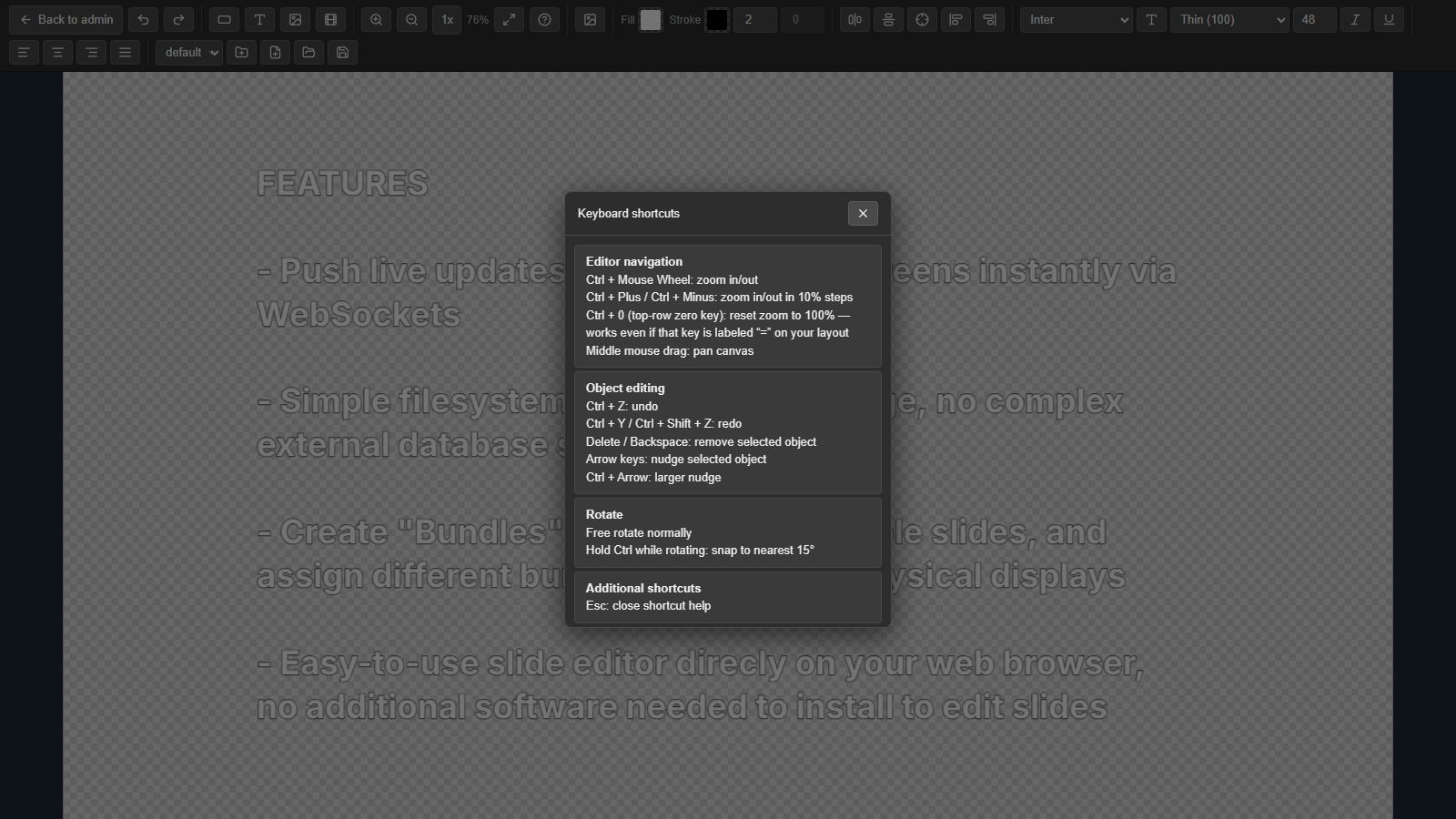
Click Shortcut help (the ? button) in the toolbar to see these in the editor.
Navigation
| Shortcut | Action |
|---|---|
| Ctrl + mouse wheel | Zoom in / out |
| Ctrl + + / Ctrl + - | Zoom in / out in 10% steps |
| Ctrl + 0 | Reset zoom to 100% (the top-row zero key, whatever its label on your layout) |
| Middle mouse drag | Pan the canvas |
Editing
| Shortcut | Action |
|---|---|
| Ctrl + Z | Undo |
| Ctrl + Y / Ctrl + Shift + Z | Redo |
| Delete / Backspace | Remove the selected object |
| Arrow keys | Nudge the selected object |
| Ctrl + arrow keys | Nudge in larger steps |
| Hold Ctrl while rotating | Snap to 15° steps |